

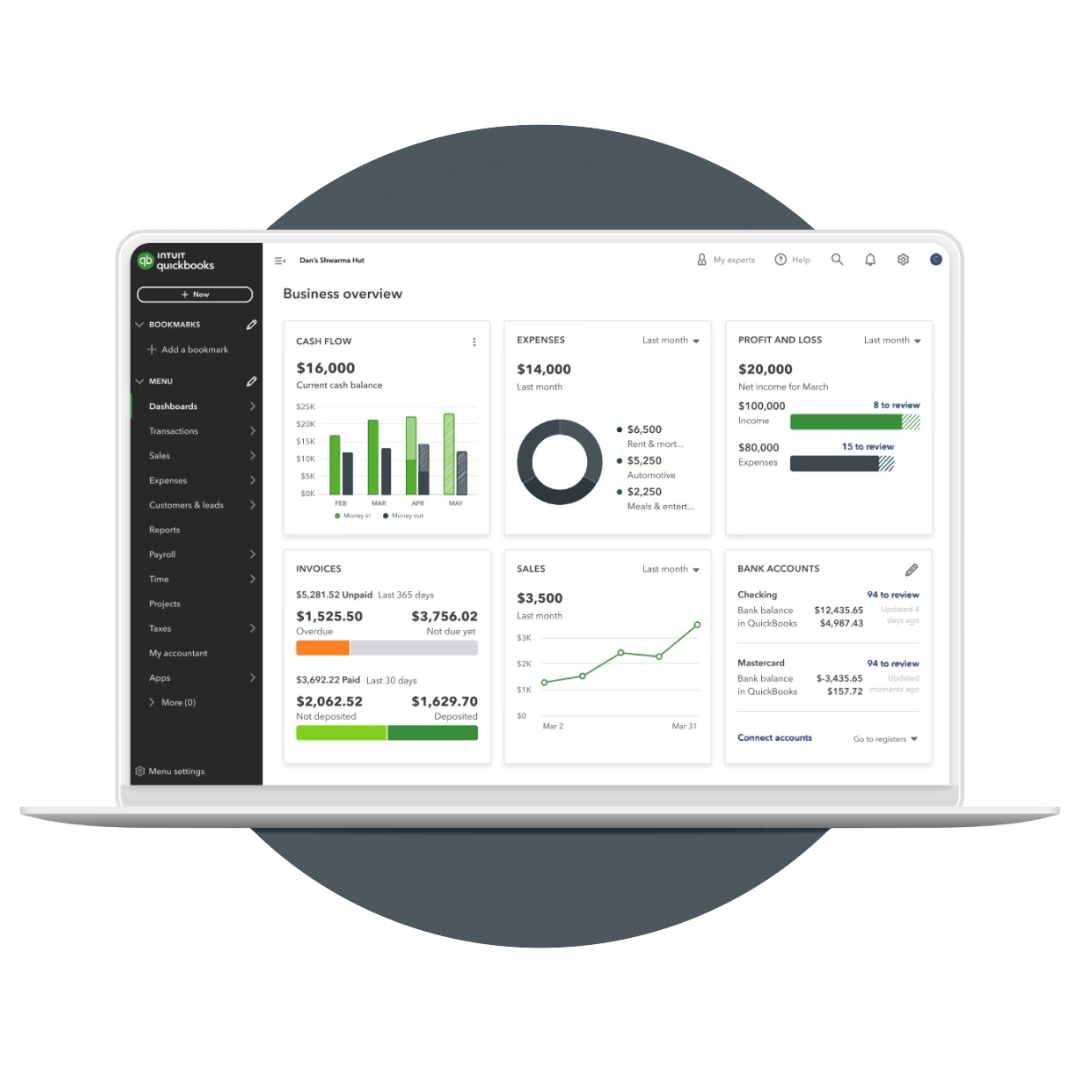
Making the Move to QuickBooks Online?
We'll get you there cleanly, completely, and without the chaos.

The good news: migrating to QBO doesn't have to mean lost data, weeks of disruption, or your team fumbling through an unfamiliar system while the work keeps coming in. With the right plan and the right support, the transition can be smooth, well-documented, and done right the first time.
That's exactly what we do.

QuickBooks Desktop has served a lot of businesses well over the years, but with Intuit phasing it out, the question is no longer if you'll make the move to QuickBooks Online. It's when, and whether you do it on your terms or under pressure.
What's Included
Pre-Migration Assessment
Before we move anything, we assess your current file, identifying what's ready to transfer, what needs to be cleaned up first, and what the best migration path looks like for your specific setup. This step is required by QBO for a successful migration, and it's what prevents most of the problems businesses run into when they try to do it on their own.
Full Data Migration
We handle the complete transfer of your historical data, transactions, account balances, vendor and customer records, so nothing gets left behind and nothing arrives in the new system broken or out of place. Every transaction from your Desktop file will be accounted for in QBO. Your history comes with you.
QBO Setup & Configuration
Moving your data is only part of the job. We make sure QuickBooks Online is properly configured for the way your business actually operates, chart of accounts, tax settings, GST/HST setup, bank feeds, and any integrations with the other software your business relies on.
Integration Review & Setup
If you're running field management software, scheduling tools, or other platforms alongside QBO, we assess how they connect to the new system and make sure those integrations are configured correctly from the start, not discovered to be broken three months later.
Team Training
A new system only works if your team knows how to use it correctly. We provide hands-on QBO training built around your actual processes, not a generic walkthrough. By the time we hand things over, your team is confident, not just familiar.
Documentation & Reference Materials
We don't set it up and disappear. You'll receive clear documentation of your new setup, how things are configured, how data flows between systems, and a practical reference guide your team can use day-to-day so the knowledge doesn't walk out the door with us.

Why Get This Right the First Time

A poorly executed migration creates problems that compound over time, miscoded historical transactions, broken integrations, reconciliation gaps that take months to untangle, and a team working around a system they don't fully understand.
We've seen what a rushed or DIY migration looks like on the other side, and it's almost always more expensive to fix than it would have been to do correctly from the start.
✔️ Clean, accurate historical data in your new system
✔️ A QBO setup that reflects how your business actually operates
✔️ Integrations that work from day one, not discovered to be broken months later
✔️ A team that's trained, confident, and working from documented processes
✔️ No scrambling, no data loss, no unpleasant surprises at year-end
Who This Is For

This service is a strong fit if you're:
Currently running QuickBooks Desktop and ready to make the move to Online
Switching from another accounting platform (Sage, Wave, Xero, or others) to QBO
Moving to QBO but concerned about losing historical data or disrupting operations
A trades or contractor business that needs QBO configured for job costing and field software integrations from the start
A business that has already migrated but the setup isn't right and things aren't working the way they should
Don't Wait Until You're Forced To
The businesses that struggle most with this transition are the ones that wait too long and end up rushing it. The ones that get it right are the ones that plan ahead, do it properly, and have the right support in place.
One thing worth knowing: a migration can happen at any time of year. It doesn't have to wait until year-end, and in fact, migrating mid-year is often smoother because there's less pressure and more time to do it right. If you've been holding off because you thought you had to wait, you don't.
If you've been putting off the move to QuickBooks Online, this is your sign to get it done on your timeline, before the decision gets made for you.
1. Discovery Call
We start with a conversation. You walk us through your current setup, your pain points, and what you're hoping to get out of the transition. We ask questions and take notes, no commitment required at this stage, just an honest discussion about where things stand and whether we're the right fit.2. Bookkeeping Diagnostic
If we move forward together, the next step is the diagnostic. This comes with a confidentiality agreement and requires access to your current tools, your Desktop file, any third-party software you're running, and responses to a short questionnaire. We use all of this to assess your current state and build a clear migration plan specific to your business.3. Diagnostic Review
We go over the findings together. You'll see exactly what we found, what we recommend, and what the migration will involve (scope, timeline, and next steps) before any work begins.
How It Works